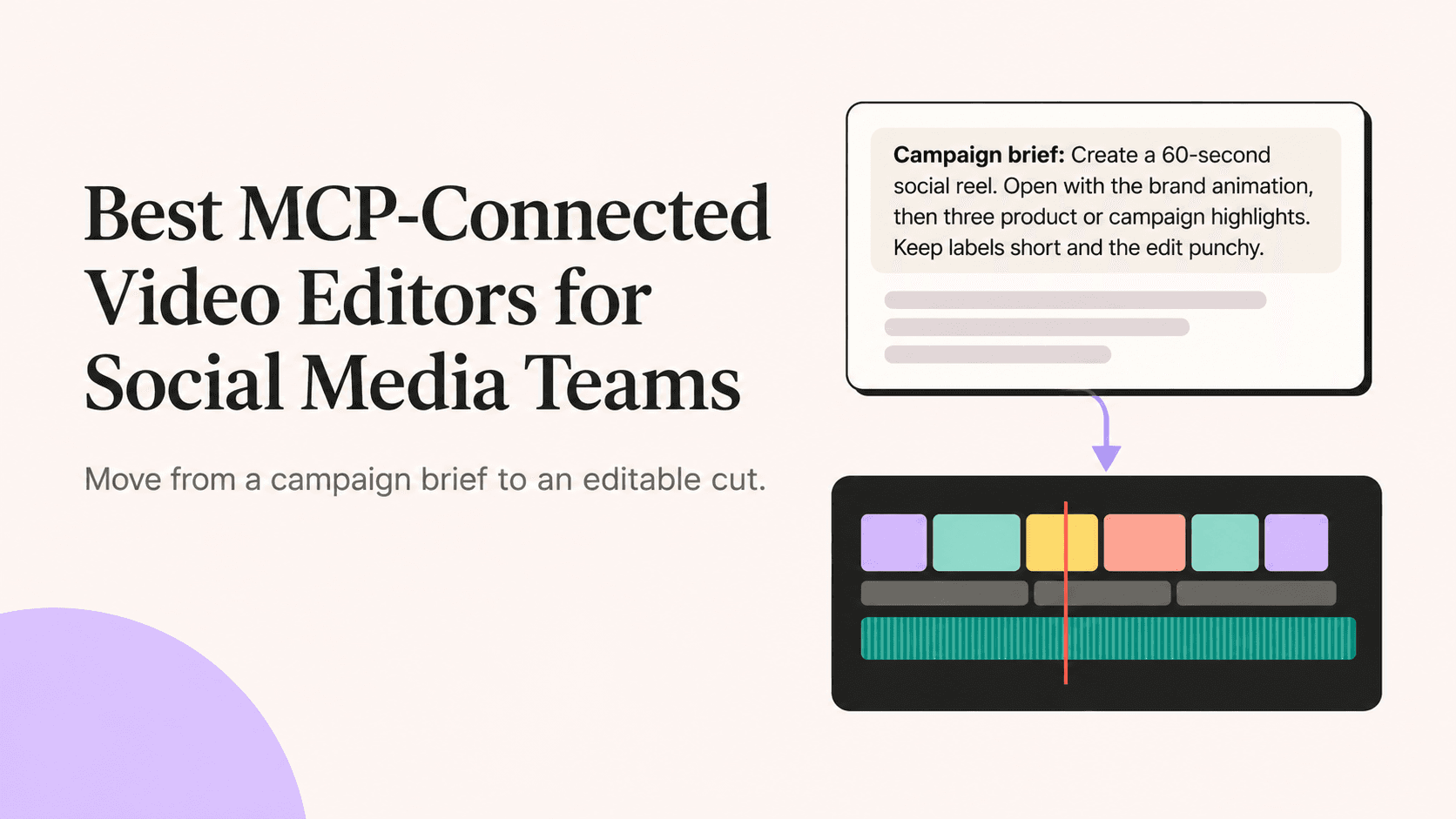
A social team might plan a launch in Claude or ChatGPT, then copy the brief into another tool and relay every revision by hand. Model Context Protocol, or MCP, lets a compatible assistant take supported actions in a connected editing service. What happens next depends on the tool: it might change an editable timeline, assemble interview quotes, compose a render or modify a reusable template.
If a person must refine the same campaign cut after the assistant’s first pass, invideo Editor is the strongest fit in this comparison. Eddie AI is worth a closer look for interview-led work. Shotstack and Creatomate belong on the shortlist when your team needs to repeat a known video structure at scale.
Compare the tools by the footage they can work on, the changes an assistant can make and what the next editor receives. These judgments draw on official product documentation.
What to Look for in an MCP Video Editor
Start with the output. An editable timeline suits a campaign that will go through rounds of feedback. A render specification suits a series of related outputs that can be rebuilt from the same structure. A template suits a fixed design with replaceable footage or offers. A connector can be useful in all three cases, but they solve different jobs.
MCP Video Editing Tools at a Glance
|
Tool |
Where work begins |
What stays editable |
Best fit |
|---|---|---|---|
|
Invideo Editor |
Recorded footage and a brief in a supported MCP client. |
A multitrack timeline for manual refinements. |
Campaign edits that go through creative review. |
|
Eddie AI |
Interview footage and the spoken story. |
The cut and selected soundbites in Eddie. |
Interviews and founder-led campaign clips. |
|
Shotstack |
Media and a structured edit for cloud rendering. |
Edit instructions available for another render. |
Repeatable variants handled by a technical team. |
|
Creatomate |
A project with templates and generated renders. |
The template and its replaceable elements. |
Recurring videos with a consistent design. |
1. Invideo Editor for Editable Social Video Timelines
The invideo MCP server connects compatible assistants such as Claude and ChatGPT to an editable video timeline. It makes sense when a creative lead wants to give direction in a conversation and an editor needs to inspect the result. A retail campaign could open with an approved line from a presenter, cut to a named product shot and keep an existing end card. The editor can then inspect those choices in the timeline.
Be explicit about the parts that must survive a change. For a second version, ask to move the demonstration forward while keeping the same audio and offer. Review the project before export and check whether the new sequence still matches the source footage. The timeline gives the team somewhere to work through timing, framing, captions and sound after the assistant has helped assemble the cut.
Invideo lists the connection and ordinary editing as free. New media generation uses invideo credits, and the external assistant has separate usage allowances. Check the account your team will connect and budget any generation separately. Choose this route when editorial decisions keep changing and a person needs direct control of the project after each draft.
2. Eddie AI for Interview-Led Social Clips
Eddie exposes editing actions through its MCP server, with an audience that already works from interviews and recorded dialogue. A useful test is a 25-minute customer conversation. Ask for a short passage that explains the problem and describes a concrete outcome. Review the draft against the full conversation to make sure the cut does not change the speaker’s meaning.
Bring source recordings in through Eddie’s footage import workflow. Its credit guide lists import charges and distinguishes them from charges on other actions. Estimate against the duration of the source material, not just the short clips you plan to publish. Choose Eddie when selecting soundbites and shaping a spoken story are the bulk of the work.
3. Shotstack for Repeatable Video Renders
Shotstack’s MCP server documentation describes an assistant workflow for composing, previewing and rendering video. A team could reuse a scriptable edit for six regional ads with the same product footage and different offer cards. The preview gives a reviewer a chance to catch a clipped price, an incorrect headline or a crop that cuts off a product before the team renders every version.
The service is suited to teams that can maintain the source assets and edit structure. Shotstack’s billing guidance explains how render and generation activity draws on credits. Estimate the cost of trial renders as well as final exports. Choose Shotstack when an edit needs to be repeated regularly from structured inputs.
4. Creatomate for Template-Based Social Videos
Creatomate’s hosted MCP integration lets a compatible assistant browse and refine templates and look up rendered results. It suits a recurring series with fixed fonts and layout, such as a weekly product tip in which the headline, image and call to action change. One connection reaches one project, which matters if a social agency separates work by client.
Test the shortest and longest headlines and at least two different image crops. When the template accepts both without covering the product or squeezing the type, the team has a better basis for producing the rest. Review render allowances for the expected number of versions. Choose Creatomate when the design is stable and the team needs to change the content regularly.
How to Test an MCP Video Editor Before a Campaign
Take one campaign with a clear edit brief and an approved end card. Give the connected assistant the file names, the first version you need and the one message that must remain accurate. Name the exact assets it can rely on. Ask it to prepare a draft and list which sources it worked from. Check the result yourself, especially any claim or price that could have been taken out of context.
Request a second version with a different hook. In a timeline editor, try moving the selected clip by hand. In an interview editor, trace the quote back to the original recording. In a render workflow, inspect the saved edit or template and check which fields changed. Have the next person in your team open the project or specification. If they cannot make the change without reading the entire conversation, the handoff needs work.
MCP Video Editing Example for a Product Campaign
A social agency has three files for a portable label printer: a presenter explaining the setup, a close-up of the label being printed and an approved end card. The first draft should open with the finished label, show the print process and end on the approved offer. The agency can ask for that sequence, review it and request a shorter opening without changing the product claim.
If a person needs to move the cut by a few frames, the team should test an editable timeline. If the campaign will run with six different offer cards and the same footage, a render or template route is worth testing as well. Ask both workflows to handle a long version of the offer without hiding it behind the interface of a social app.
The useful outcome is a repeatable handoff. Save the approved source list, the final offer wording and a note about which parts of the project may change. If the campaign manager is away, another editor should be able to tell which assets were approved and how to prepare the next revision.
What to Check Before Connecting an AI Assistant to Your Editor
List the tasks you actually want the assistant to perform. A project might need footage selection, a rough cut and small changes after feedback. Another project may only need ten versions of a finished design. The Model Context Protocol overview explains how an AI application connects to outside tools. The useful actions still depend on what a particular service exposes, so make your shortlist around the exact operation you want to delegate.
Check who has access to the source footage, what project the connection points to and who can open the output. A social manager should be able to send the reviewer an identifiable draft and a clear record of which files went into it. For a reusable template, indicate which text and media fields may change. For a timeline, note the cuts that the client has approved and the sequence that should become the next version.
Decide where human approval belongs before the draft moves into a production calendar. MarketersClique’s guide to the client approval process for social media outlines a useful sequence from internal review to written sign-off. Apply the same handoff to an AI-assisted edit: ask the internal reviewer to check the copy and footage first, then send the client a clearly named draft. When a revision comes back, keep it tied to the approved brief and export only the version the team has checked.
Key takeaways
-
Choose a timeline-based workflow when a person needs to revise the assistant’s cut by hand.
-
Compare interview, rendering and template tools by the tasks they expose and the format they hand back.
-
Check assistant allowances, tool credits and project permissions before producing a batch.
Frequently asked questions
Does a built-in editing assistant count as MCP?
A built-in assistant acts inside its own application. An MCP server exposes supported actions to compatible external assistants. Check that the specific client and actions your team needs work with the product before planning your campaign around it.
Can an assistant approve and publish a campaign?
Keep final approval with the person responsible for the campaign. Confirm what the connection can do and which access it has before you let it act. Review rights, product claims and delivery settings before publishing.
What should I include when comparing costs?
Include footage import, assistant usage, generation, draft renders and final exports. Pricing depends on the route you take and what a second or third version costs to produce.
What makes a good proof of concept?
A real project with one repeatable editorial change is enough. Ask for a short cut, request feedback, and see whether you can hand the result to someone who did not participate in the first conversation.
Conclusion
A connected assistant is useful when it fits the way your team edits and reviews. Invideo Editor makes sense for a campaign with shifting creative direction and an editor who needs a timeline to work from. An interview-led team may get more value from tools that find and assemble dialogue. A team making repeated regional or weekly versions may benefit more from a template or a saved render structure.
Test that decision with one real change request. Ask for a new opening, check that approved assets and claims survive, and have the next person open the project. If they can understand what changed and finish the job without rebuilding the draft, the connection is doing useful work.